Capsule Tutorial
A complete guide to accessing Challenge Capsule, understanding Capsule information, completing Challenges, and checking raffle results.
Accessing Challenge Capsule
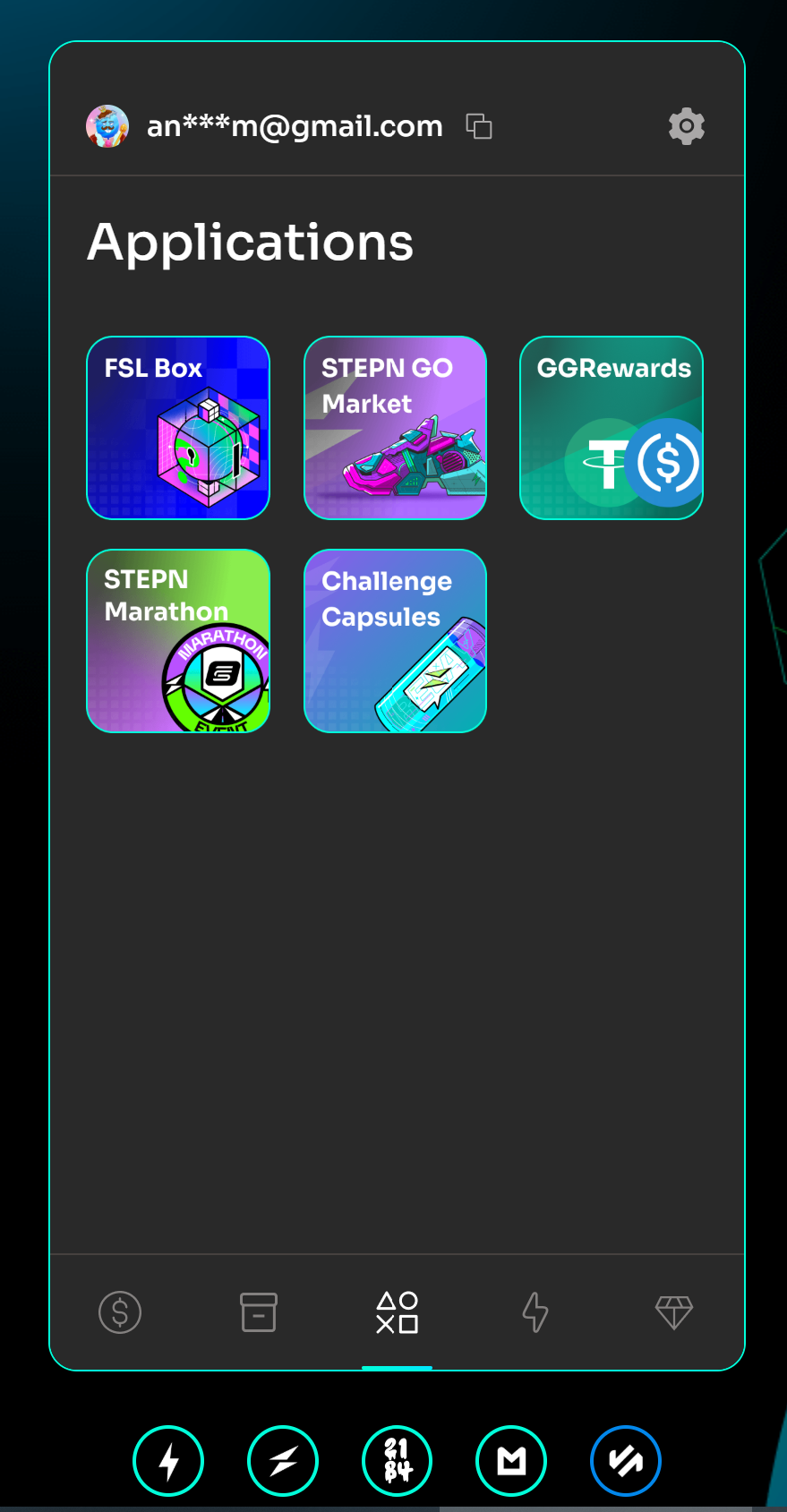
- Log in to your account at id.fsl.com.
- Go to the Applications section.
- Find Challenge Capsule and select it to enter the homepage.
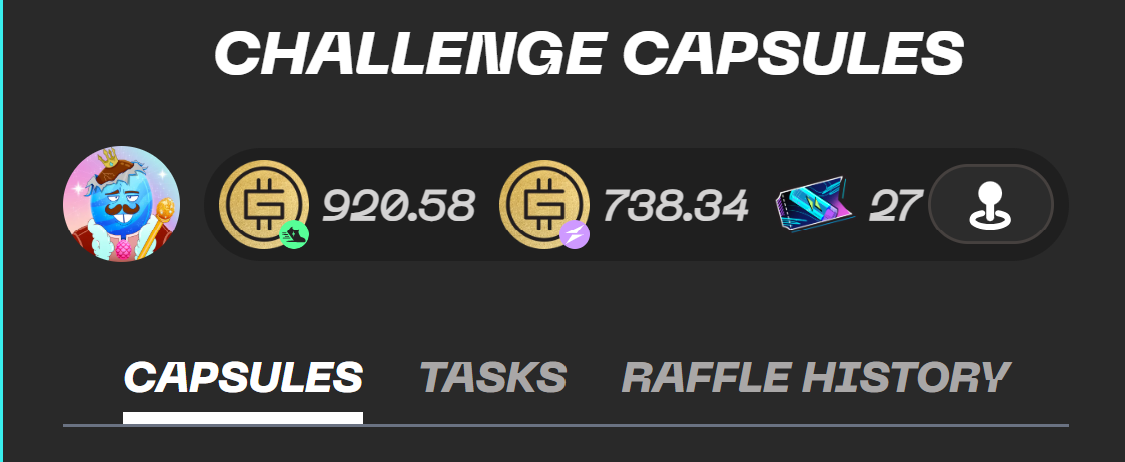
Understanding the Homepage Header
At the top of the Challenge Capsule homepage you will find four key elements:
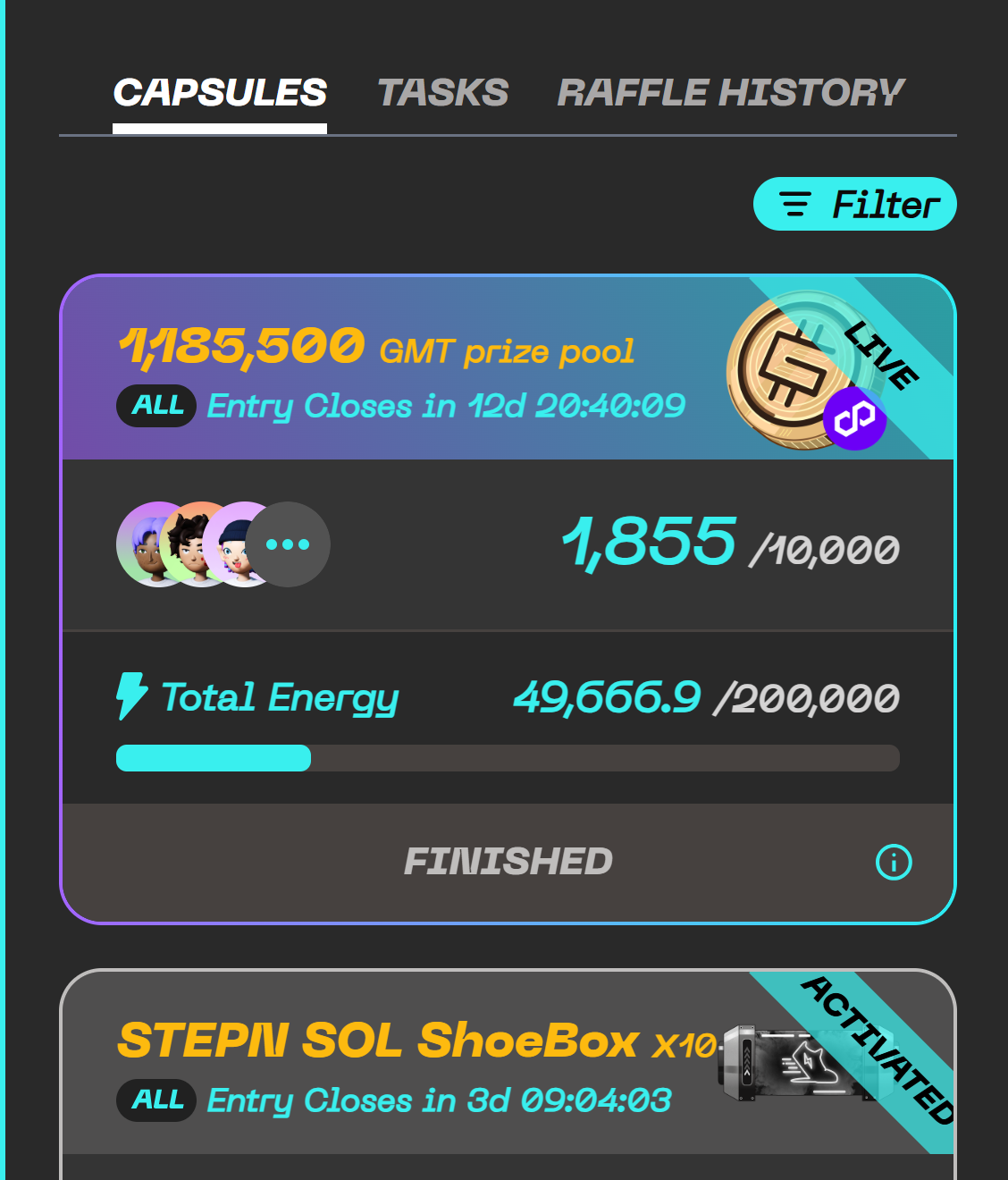
The CAPSULES tab displays all Capsules currently available in the Capsule Lobby.
Capsule Rarity and Challenge Difficulty
Capsules are divided into rarity levels that represent Challenge difficulty. The colour of a Capsule lets you quickly identify the expected difficulty.
Capsule Reward Information
The upper section of each Capsule card displays its reward information. Pay close attention to the position of the multiplier.
Info
The position of the multiplier determines whether it refers to the prize quantity or the number of winners.
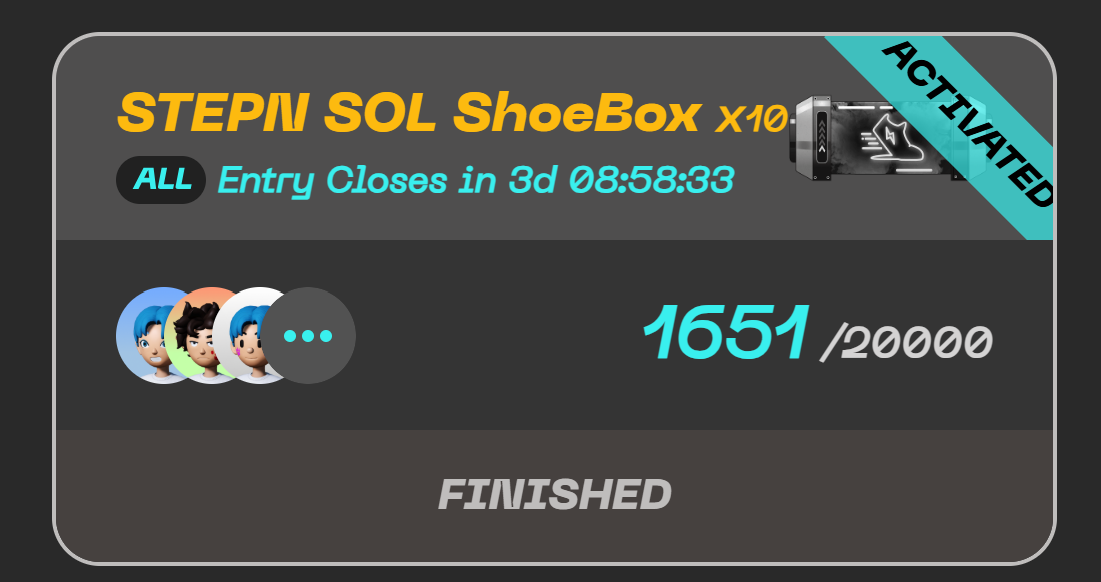
Eligible App Platform
The icon shown below the reward description indicates which app must be used to complete the Challenge.
Warning
Make sure you use an eligible app when completing the Challenge. Movement recorded through an unsupported platform will not count. Check the platform icon before joining.
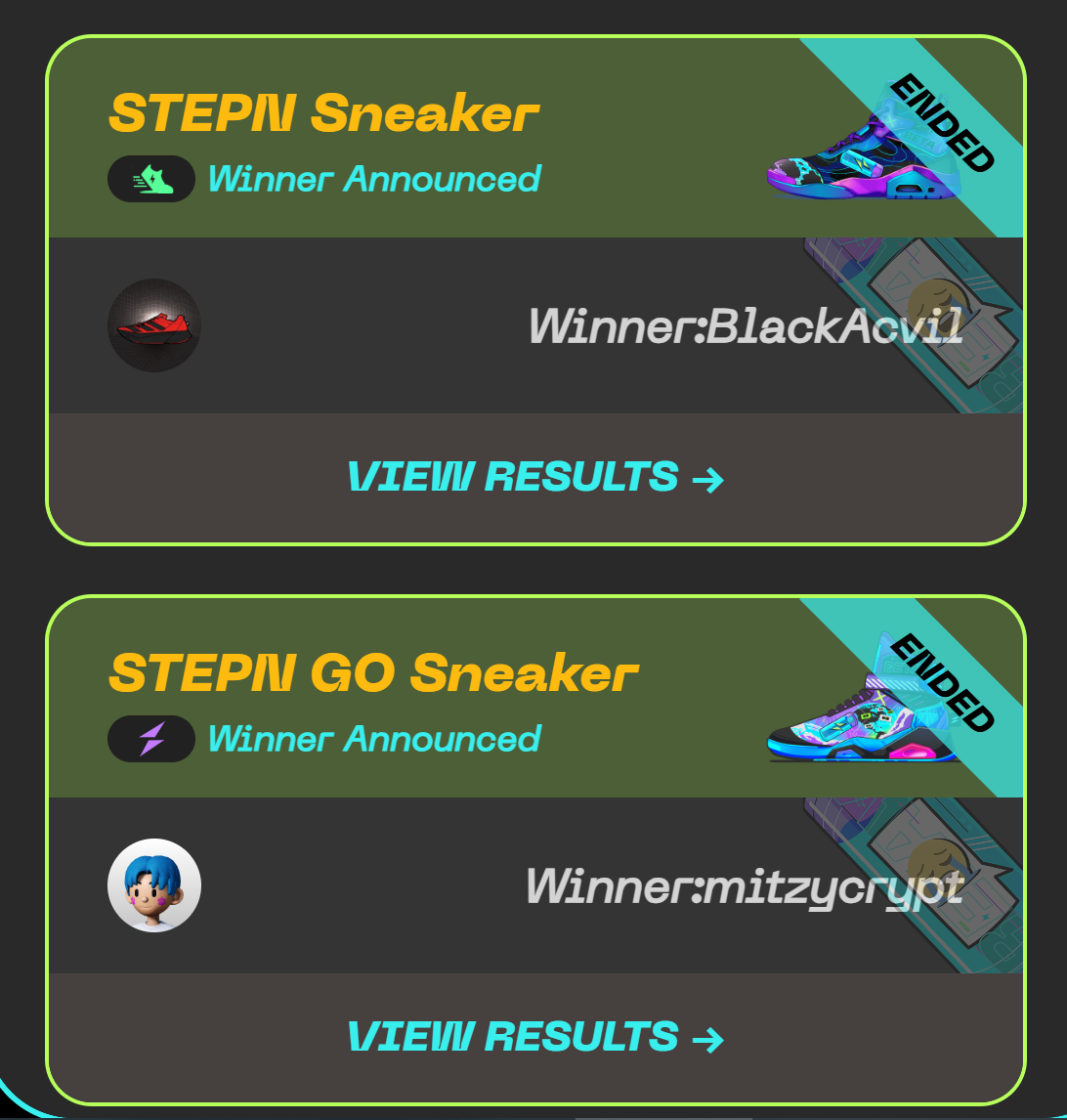
Participant Information
The middle section of a Capsule card displays participation information. The meaning of the numbers changes depending on the Capsule's current status.
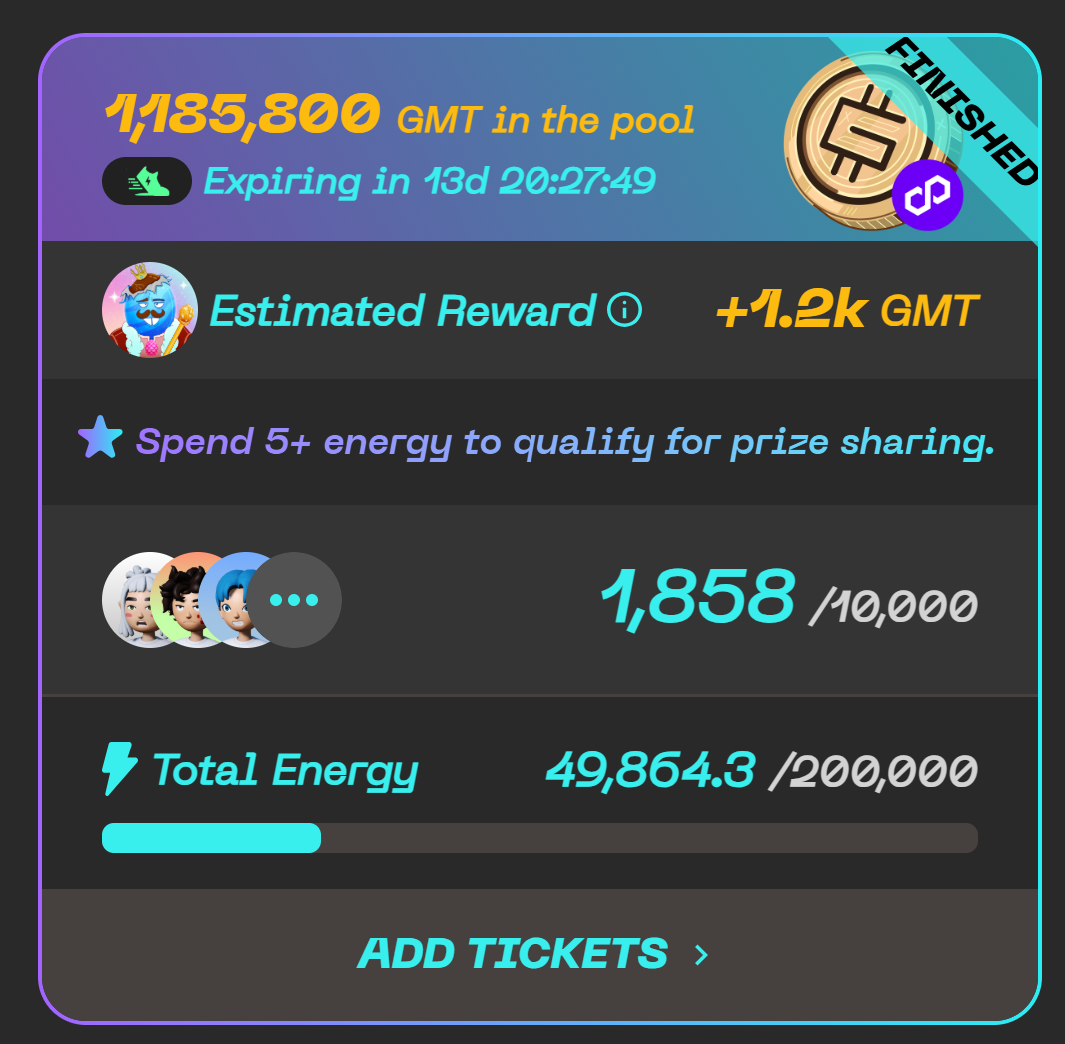
Your Participation Status
The bottom section of each Capsule card shows your current participation status.
Capsule Status Labels
The status label in the upper-right corner of each Capsule card shows the Capsule's current stage.
The TASKS tab displays the Challenges from Capsules you have joined. It allows you to check Challenge requirements, countdowns, progress, and completion status.
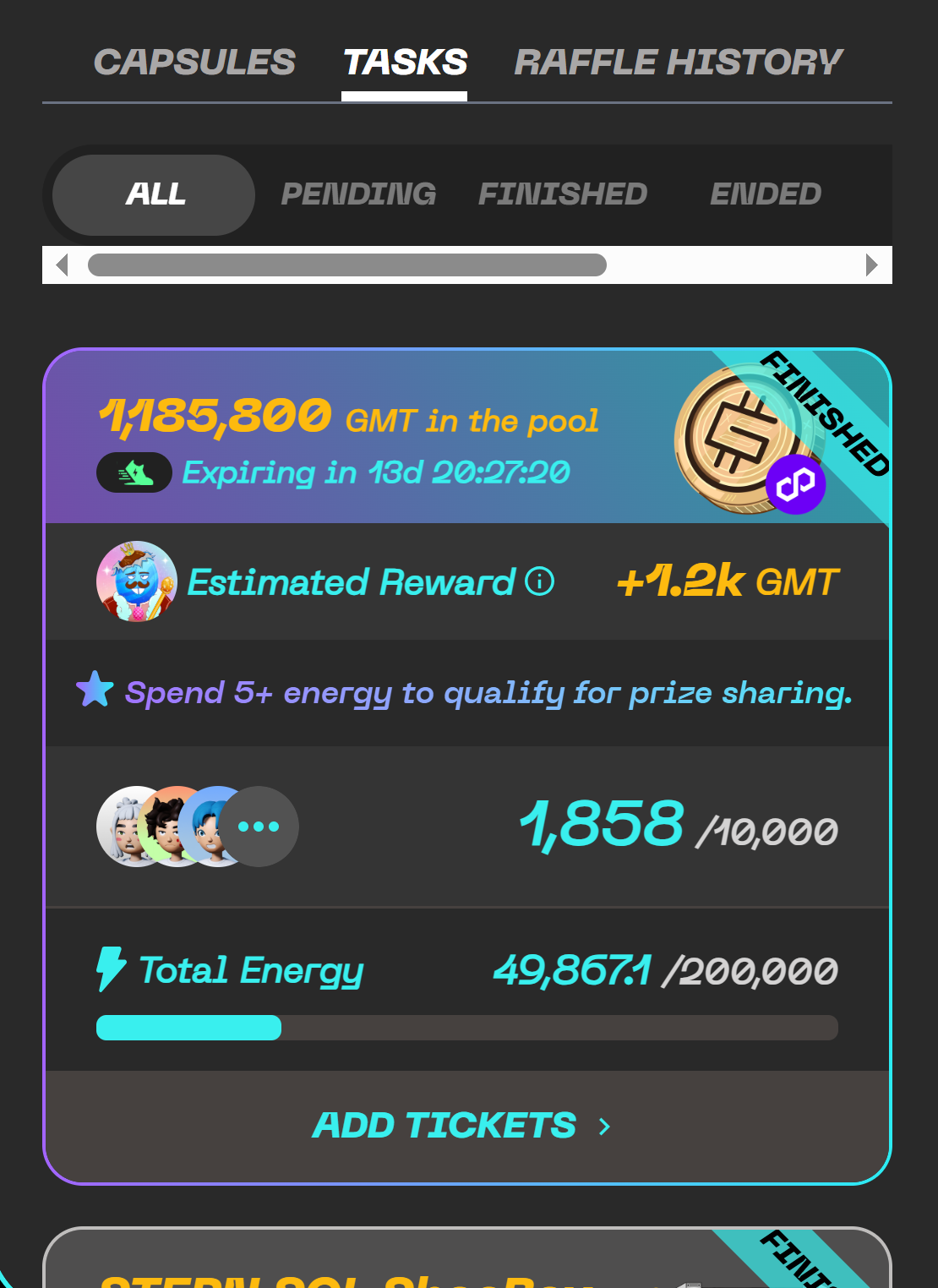
Task Statuses
Each task in the TASKS tab shows one of the following statuses.
Viewing Previous Raffle Results
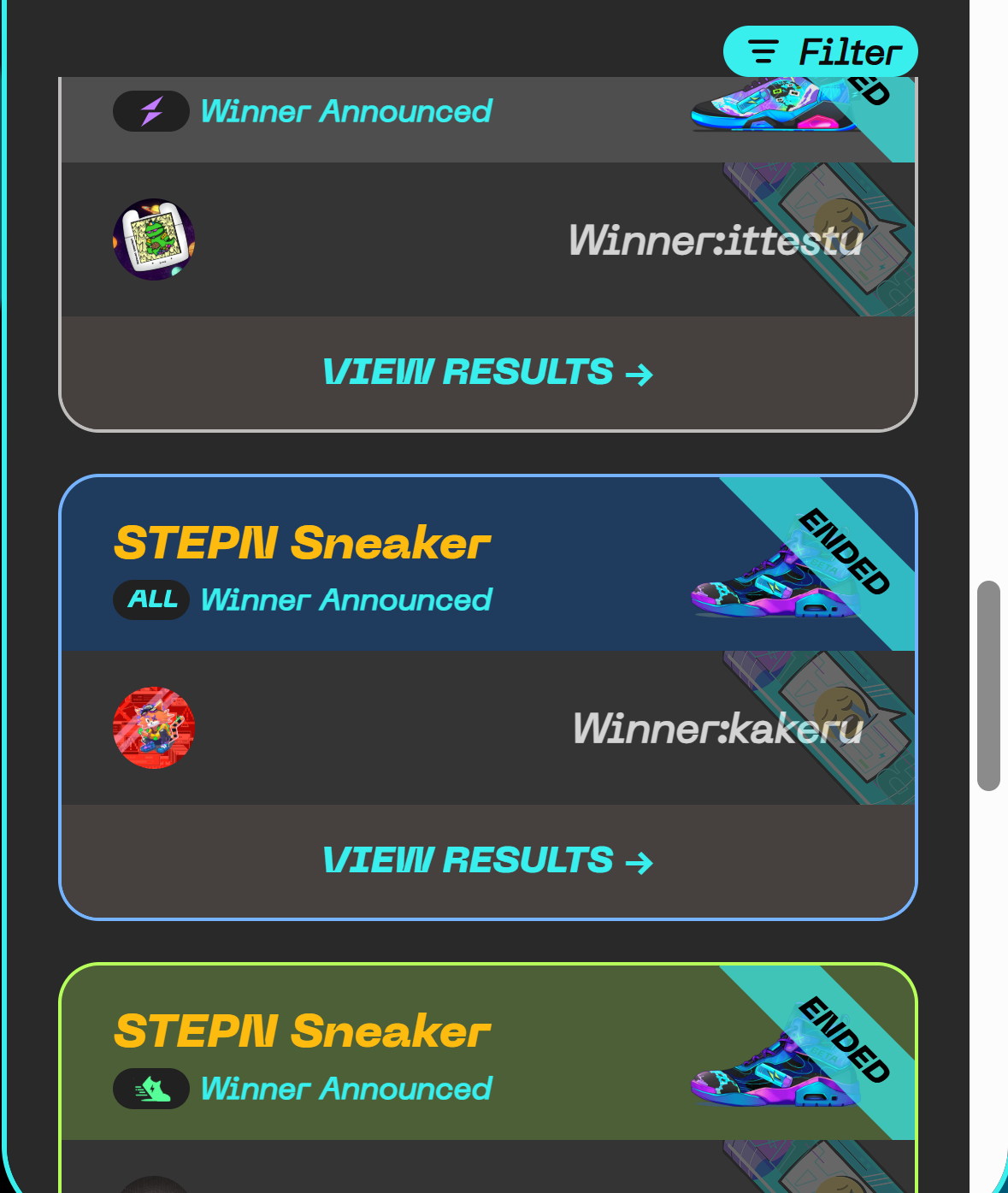
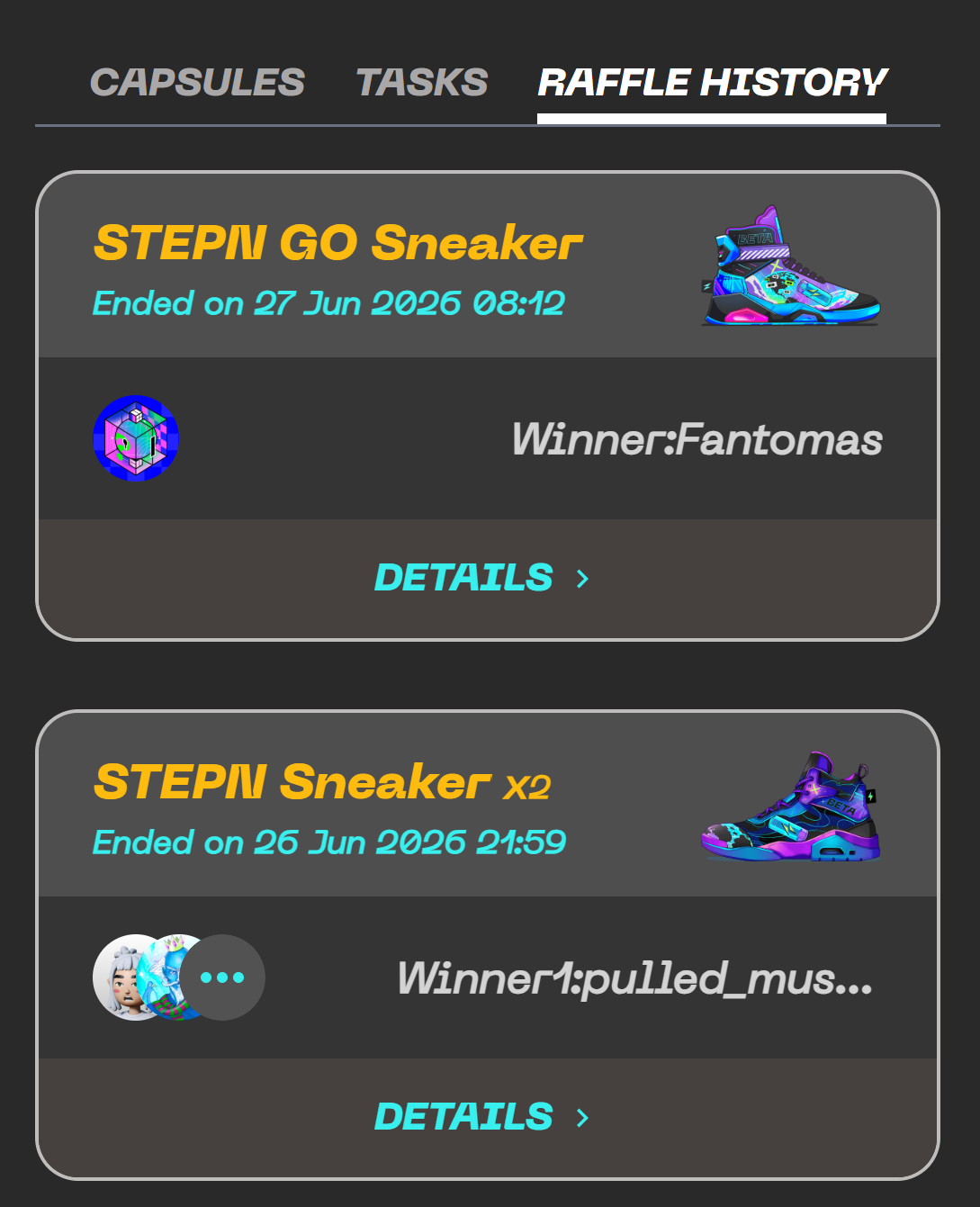
The RAFFLE HISTORY section displays Capsules you joined whose raffles have already ended. Use this section to review previously joined Capsules, raffle results, and winner information.
Important Reminders
Warning
Before joining a Capsule
- Check the required app platform
- Review the Entry Fee
Warning
After joining a Capsule
- Read the complete Challenge requirements
- Confirm you can finish the Challenge before the countdown ends
- Make sure your STEPN or STEPN GO account is correctly connected
Info
When doing Challenges
- Maintain a stable GPS and network connection during movement
- Complete movement through valid Walk, Jog, or Run activity where required
Q&A
Frequently asked questions about Challenge Capsule.
Info
Challenge Capsule is being improved. Certain rules, labels, calculations, and interfaces may be adjusted as the feature continues to develop.